Ship · Landing pages
A store for your robots, written by chat.
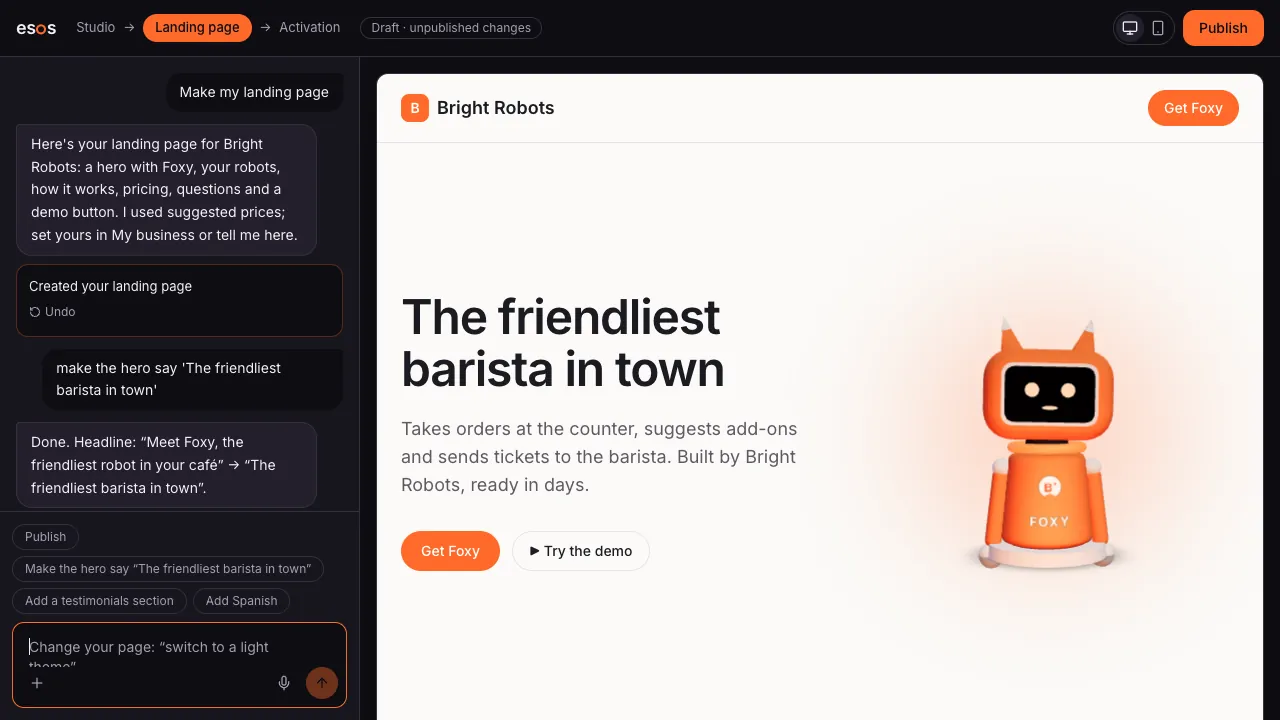
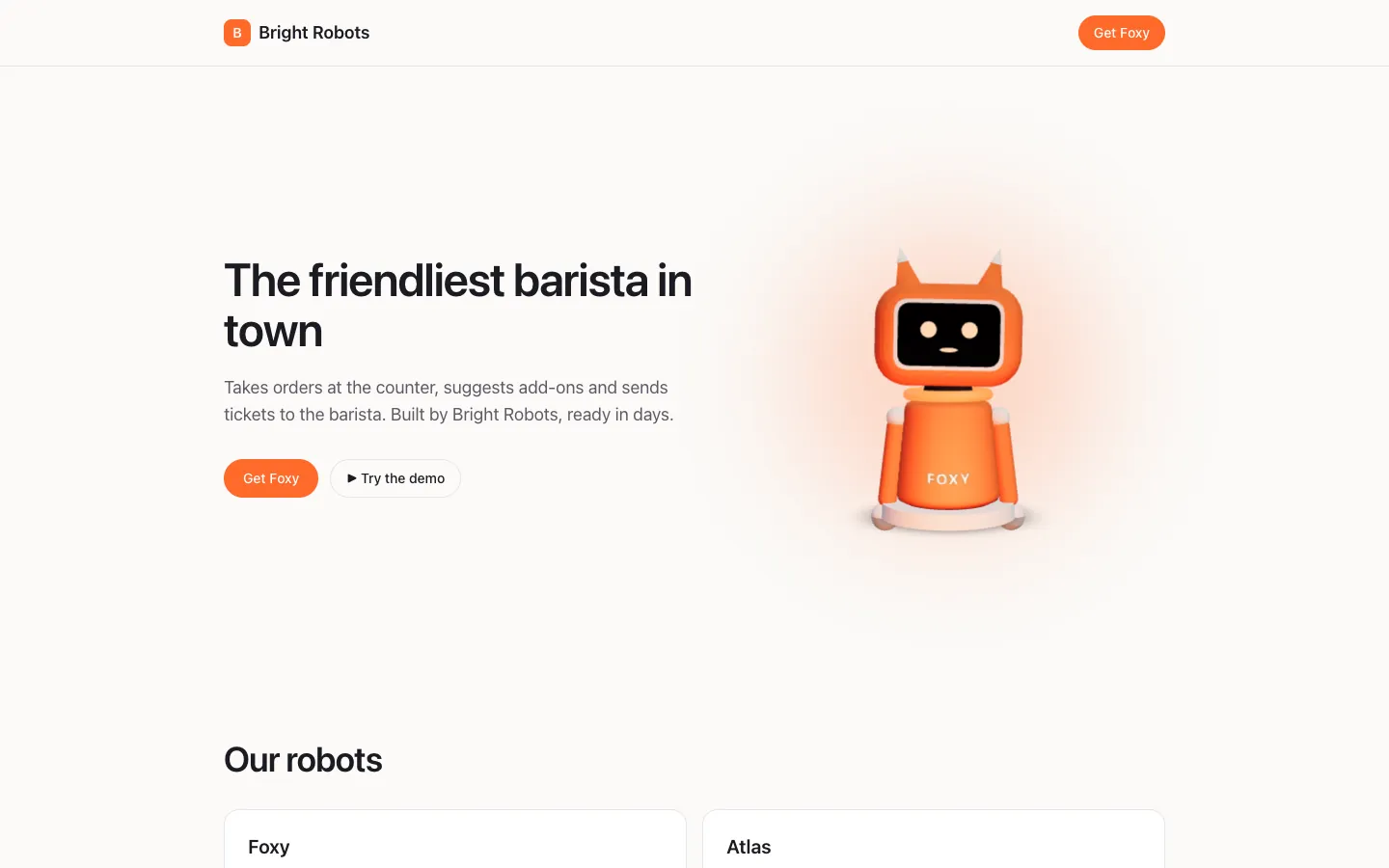
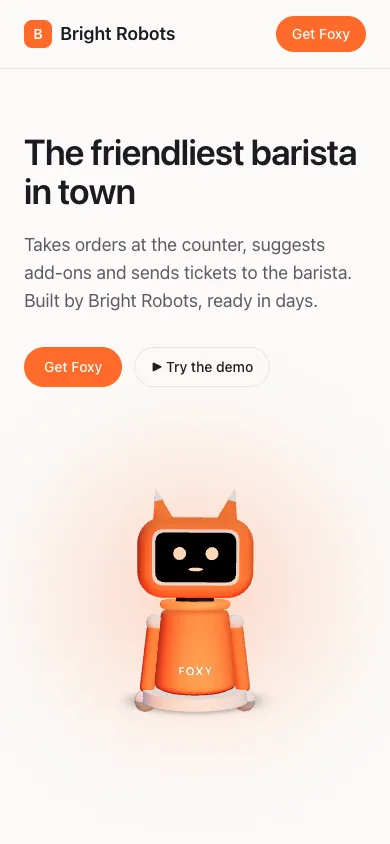
Describe your business and Esos writes the landing page: your robots, your prices, your brand. Preview it on a phone and a laptop, publish it, and send people to your own store.
How it works
Landing pages, step by step
SShip · 1
Describe your business
Who you sell to and what makes your robots different.
SShip · 2
Edit by chat
“Make the hero warmer.” “Add a section for hotels.” See it change.
SShip · 3
Check every screen
Preview on a phone and a desktop before anyone sees it.
SShip · 4
Publish
Your page goes live on your store, with a page for each robot and a demo visitors can talk to.
What it does
White label
Your name, colours and voice. Your customers see your brand, not ours.
A page per robot
Each robot gets its own page with a live demo, its price and how to get one.
Checks before publishing
Missing prices, broken links and claims you can't make are flagged before you go live.
Undo and versions
Every edit can be undone; publishing saves a version you can go back to.
CheckoutComing soon
Clients order and pay on your store; you get paid, Esos keeps a small fee.
Your own domainComing soon
Today stores live at an Esos address; your own domain is coming.
Questions
Do I need a website already?
No. Esos writes and hosts your landing page and store. You can link to it from anywhere.
Whose brand do customers see?
Yours. Stores are white label: your name, colours and voice on the page and on the robots.
Can I take payments?
Payments through your store are being finished now. Until then, the store collects interest and you close the sale.
Design it. Build it. Sell it.
The Studio is opening to its first builders. Join the waitlist, or talk to a robot now.